Edit your way.
Trim recordings, arrange separate tracks, add subtitles, and reuse your assets.
Editing & captionsYOUR CONTENT. FROM START TO SHARED.
Your video & podcast creation workspace.
Record screens, reactions, and remote conversations. Book guests with Pods. Turn your best moments into Shorts and share them with your audience.
14-day refund period • Plans for creators & teams
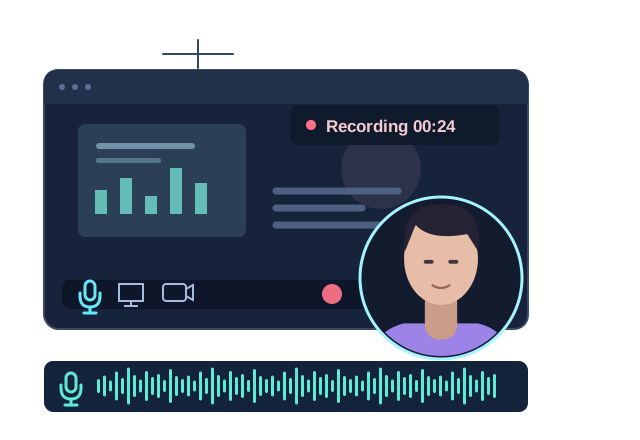
Screens. Reactions. Conversations.
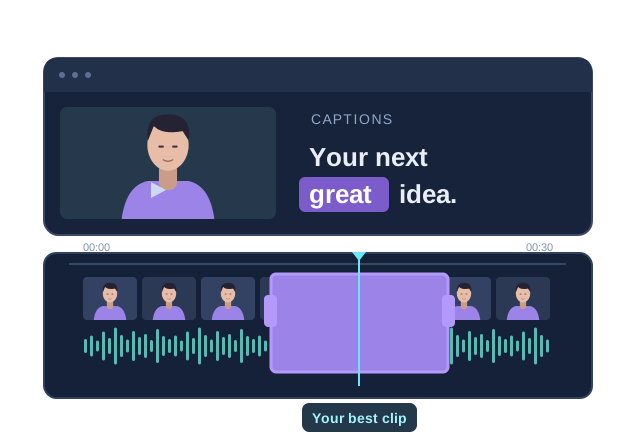
Shape your story. Find your best clips.
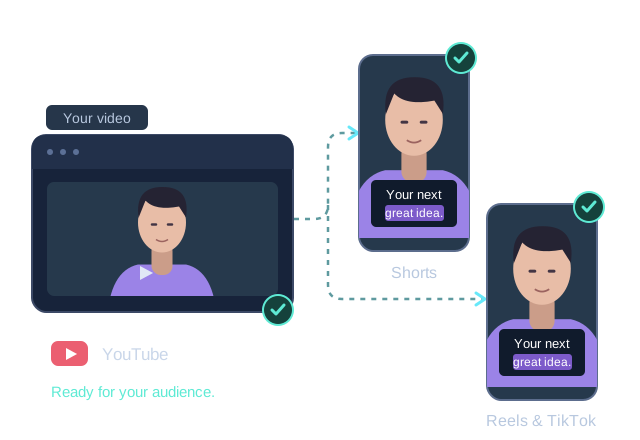
One recording. More ways to share.
WHAT DO YOU WANT TO CREATE?
ONE WORKSPACE. SO MANY POSSIBILITIES.
A tutorial, a conversation, a reaction, or your next great clip.
Choose your starting point. Podsplice brings the workflow together.
01 / SCREEN RECORDING
Record your screen, webcam, microphone, and computer audio for tutorials, product demos, presentations, and online lessons.
02 / REACTION VIDEOS
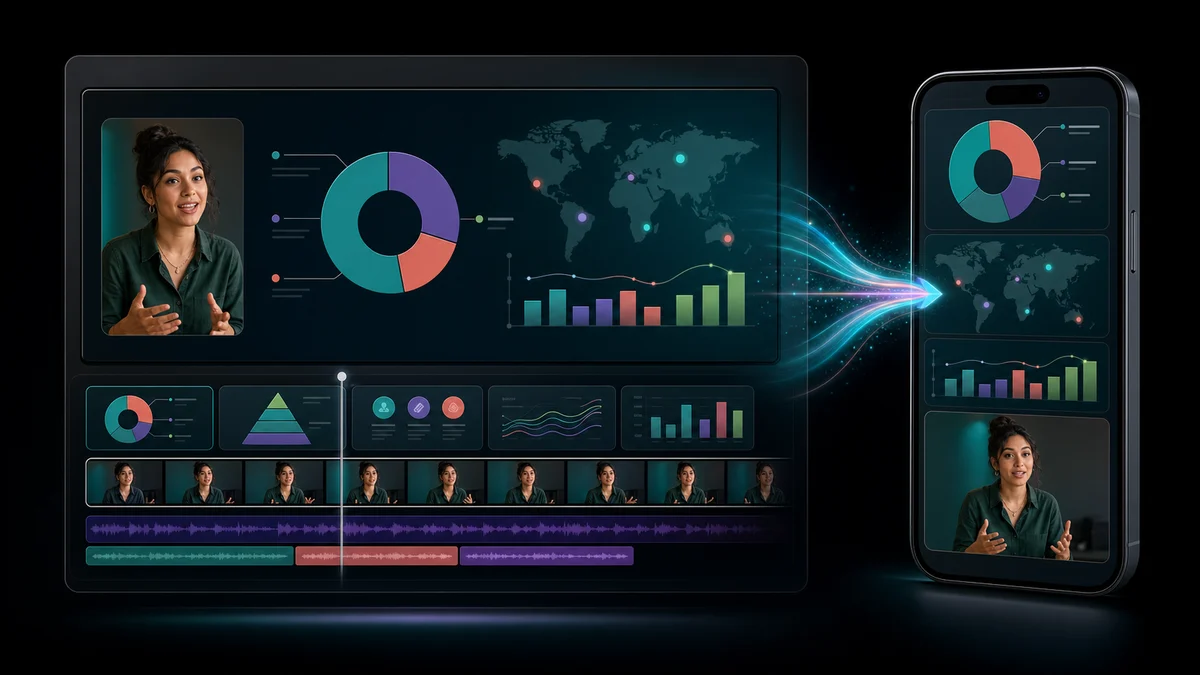
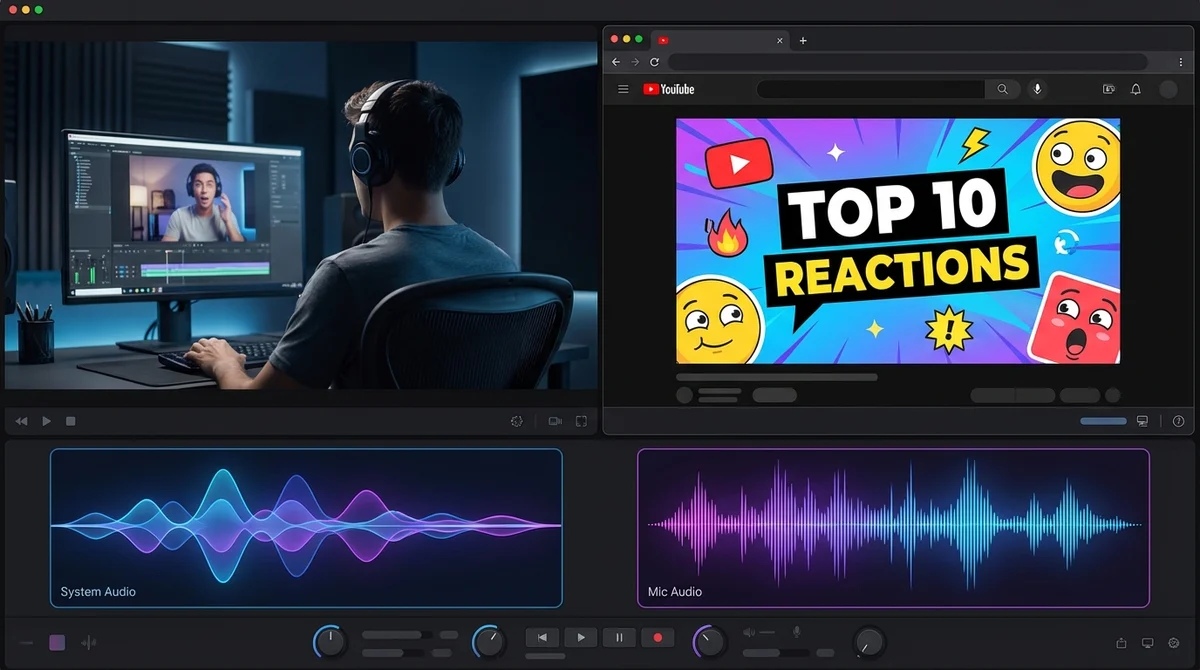
Create reaction videos with your webcam, commentary, and the source video’s audio. Keep the tracks separate so you can shape the final mix.
03 / PODCASTS & REMOTE INTERVIEWS
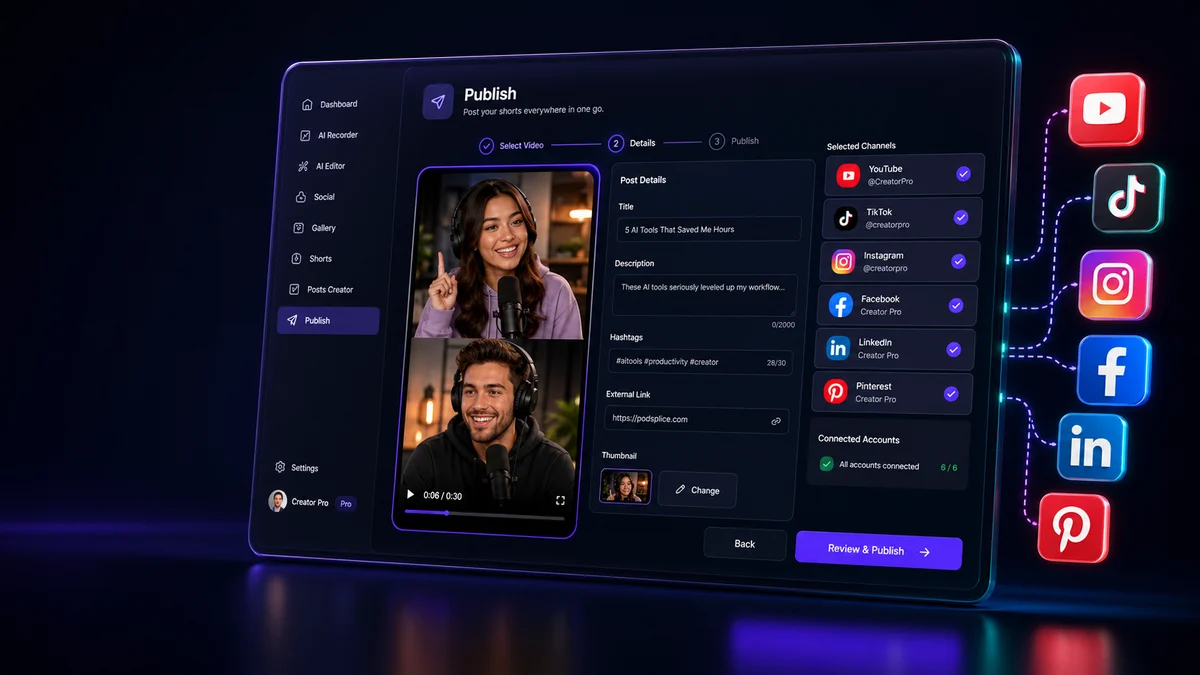
Record audio and video podcasts with remote guests. Local recording and separate tracks give you more control over each voice and camera.
04 / PODS: BOOKING & CALENDARS BETA
Create a branded Pods page with calendar availability, lead forms, and qualifying questions. Give guests and clients one clear place to take the next step.
Booking & lead pages are in beta on Pro and above.
Choose a time. Share your story.
We’ll take it from here.
05 / SHORTS & REPURPOSING
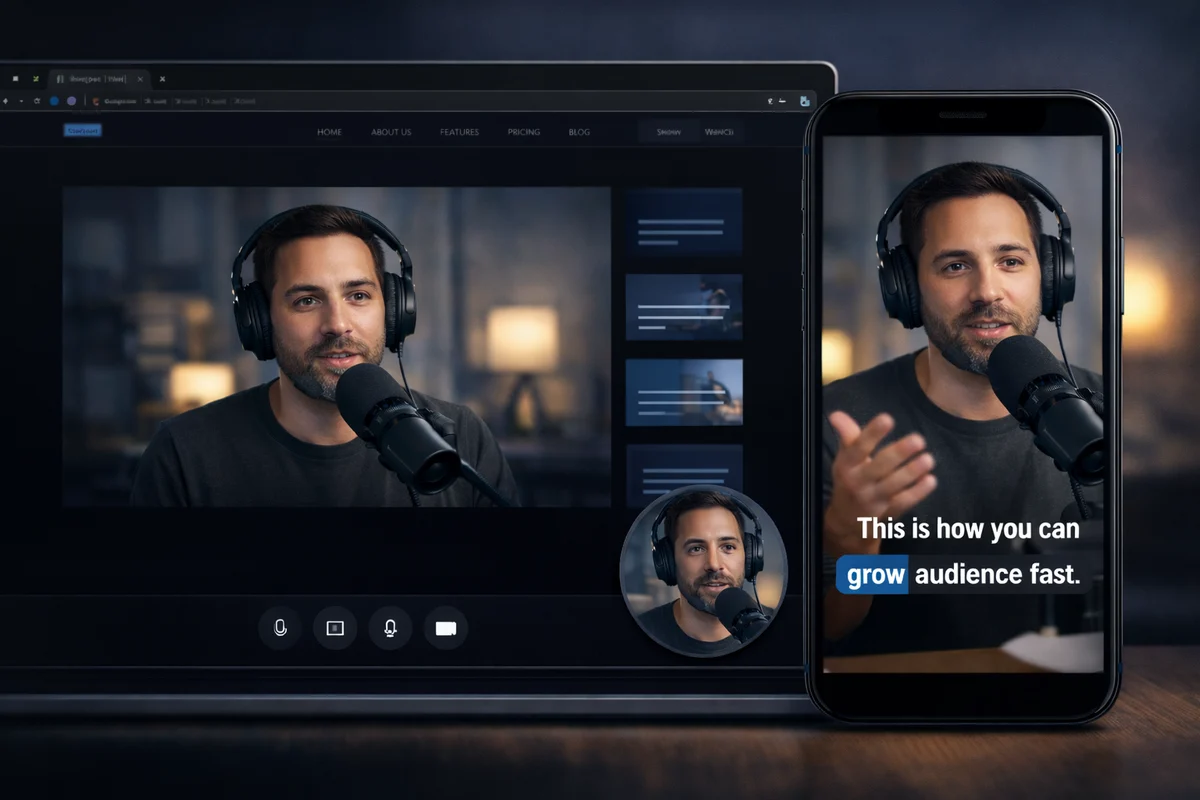
Repurpose podcasts, screen recordings, and reaction videos into vertical clips for YouTube Shorts, Instagram Reels, and TikTok.
06 / THE PODSPLICE MOBILE APP
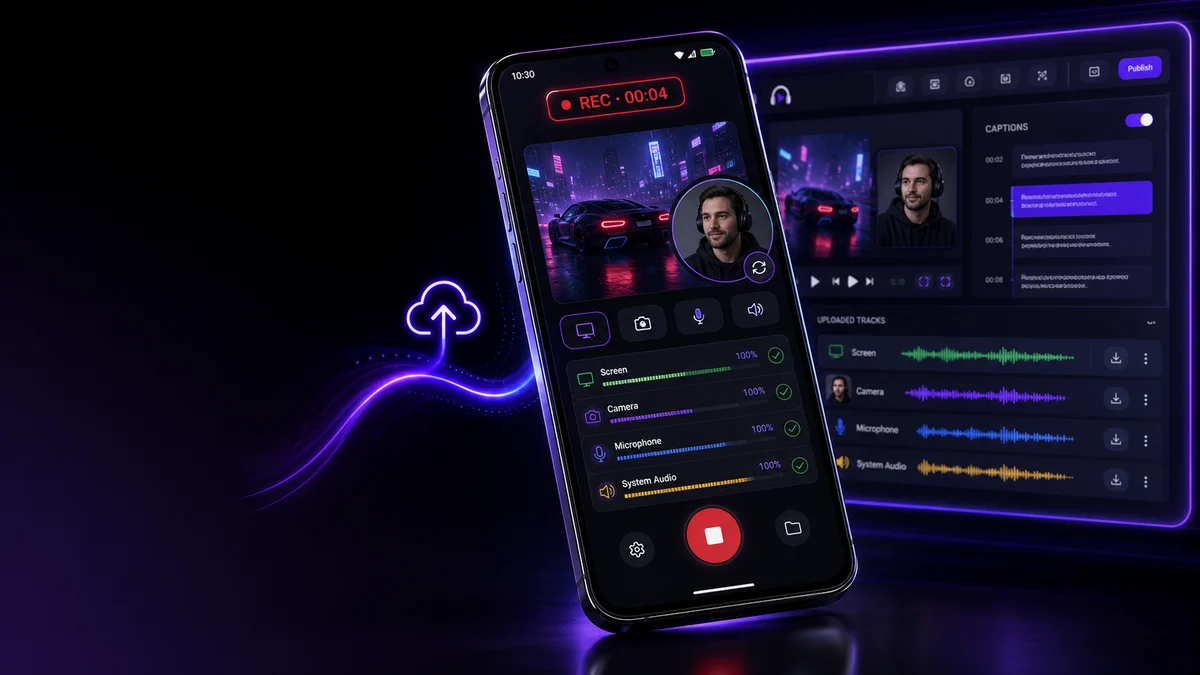
Record screen videos, camera footage, and commentary with the Podsplice Android app. Upload your recordings to continue editing, captioning, and publishing in Podsplice.
Available on Android. iOS is coming later.
BRING IT ALL TOGETHER
Keep editing, publishing, and collaboration in the same workspace.
Trim recordings, arrange separate tracks, add subtitles, and reuse your assets.
Editing & captionsConnect supported social channels and prepare your content for publishing from Podsplice.
Social media publishingOrganize brands, share editable projects, and keep team review and handoffs in one place.
Teams & agenciesA FEW THINGS TO KNOW
Screen recordings, tutorials, reaction videos, audio and video podcasts, remote interviews, and vertical clips. Pods adds booking pages and calendar scheduling to the workflow.
Booking and lead pages are currently in beta on Pro, Agency, and Enterprise. Check the pricing page for the latest plan details.
The Podsplice mobile app is available on Android, with iOS coming later. Mobile audio capture and dual-camera recording depend on your device.
If Podsplice is not a fit, request a refund during the first 14 days. See the pricing page for the current offer and plan details.
YOUR NEXT GREAT PIECE OF CONTENT STARTS HERE
Record it. Shape it. Share it. All with Podsplice.
14-day refund period